Auto-emoji
Emoji captions that land on the right word.
A little visual emphasis. Keep the spoken words clear enough to work without it.
Start captioning freeFree plan · no credit card
LumaCaption’s Auto emoji adds an emoji to a caption cue that contains a recognised keyword and shows it as that word is spoken. Matching uses a small English keyword list and does not read the meaning of the sentence.
Video stays on your device. Audio is sent for transcription.
See the captions in motion
How it works
Get a clean transcript
Sign in and generate captions. The clip’s audio is transcribed online and the video file remains on your device. Fix misheard words, since a wrong one can pull in the wrong emoji.
Play every cue that got an emoji
Check jokes, sarcasm and quotes, where an emoji can contradict the speaker. If one misreads the line, regroup the cue or turn Auto emoji off.
Export and watch it small
Download the captioned video and watch it at phone size. Save the editable project for changing a match later.

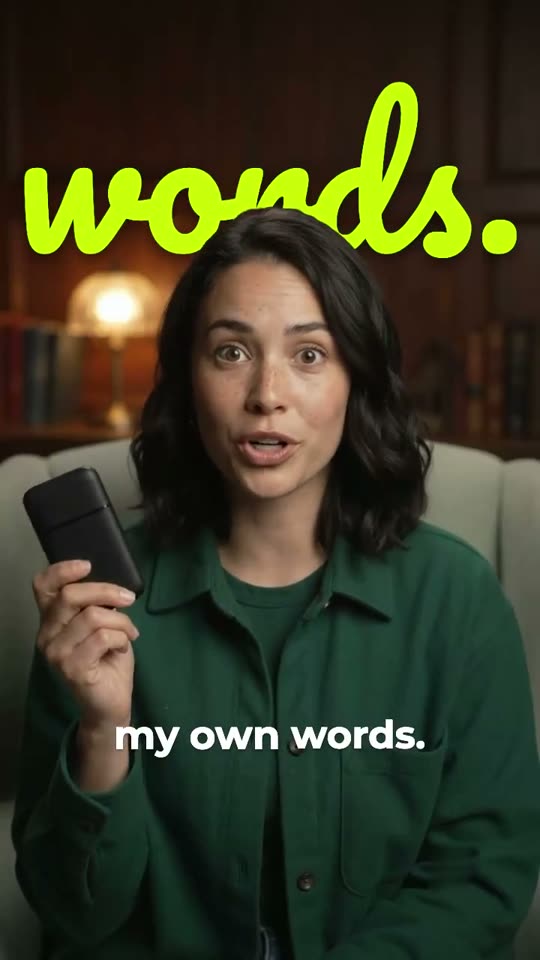
An emoji can mark an idea such as money, a goal or a warning. It can also be wrong for a serious story, or for a sentence that negates the matched word.
For example, “free” can trigger a gift and “goal” a target. The match cannot tell whether the speaker is making a genuine offer or criticising one.
Try it on an actual line
A cue containing “reach your goal” can match “goal”. In a cue that starts with “money”, that word can take the match before any later keyword. Grouping decides which words share a cue, so regrouping can change the emoji.
Hindi words in Devanagari are not covered by this English matching list. Roman-script text only matches when it contains a recognised English keyword.
Check the emoji in the saved video
Emoji artwork can differ by operating system. The export renders the symbol on the device you use, so check the finished file before sending it to another editor.
An emoji cannot stand in for a written description of meaningful audio. If a sound matters to understanding, describe it in words.
- One match per cue
- The first recognised keyword in a cue wins. A cue gets at most one automatic emoji.
- Timed to the word
- The emoji appears at the moment its matched word is spoken.
- Small, predictable vocabulary
- Matching includes selected English words and simple numbers or percentages.
- Optional decoration
- Turn Auto emoji off if the result distracts from speech or misrepresents its tone.
Common questions
Can it understand every emotion in my video?
No. Auto emoji matches words from a curated keyword list. It does not read the emotion of a sentence.
Why did a number get a chart emoji?
Simple numbers and percentages are on the match list. If a chart looks wrong there, turn Auto emoji off.
Will the emoji be in my SRT?
No. Auto emoji is drawn into the exported video. The SRT file holds only the caption text and its timing.
